
St. Cloud Directory Holdings
St. Cloud has a defined early digitized run, plus local-library and archive leads for later or missing volumes. The Minnesota Digital Library collection provides free scans of the known early volumes. Its 1896-97, 1899-1900, and 1901 titles explicitly include Sauk Rapids and Waite Park. That wider wording matters when a household moved through the nearby communities but continued using the St. Cloud business area.
| Collection | Years | Where held | Access |
|---|---|---|---|
| St. Cloud directory scans | 1888-89, 1892, 1894-95, 1896-97, 1897-98, 1899-1900, 1901 | Minnesota Digital Library | Free online browse, search, and image access |
| Local St. Cloud directory references | 1888-89 to present cited, with exact gaps unknown | GRRL, St. Cloud Public Library, museum and archive leads | Shelf, microfilm, interlibrary-loan, or staff-assisted route |
| St. Cloud Times obituary index | September 27, 1887 to December 31, 2019 | Great River Regional Library | Name/date search, then newspaper microfilm or a copy request |
| Historic newspapers | 1857 to 1928 across named local titles | Minnesota Historical Society digitization and library microfilm | Digital pages where available, otherwise library research |
City historic-district studies cite locally published directories from 1888-89 to present under a source class of various publishers. That is a useful collection lead, not proof that every intervening year survives. Treat an absent year as a gap to pursue through the library, museum, or interlibrary loan rather than assuming publication stopped.
St. Cloud Directory Volumes Online
The free digital route starts with the Minnesota Digital Library. Search or browse the city-directory format, confirm the title year, and open the linked image rather than relying only on a search-result snippet. A scan can preserve street numbers, initials, spouse notes, and classified cross-references that do not survive an OCR result. Search both “St. Cloud” and “Saint Cloud,” and try initials or a married surname when a full name does not appear.
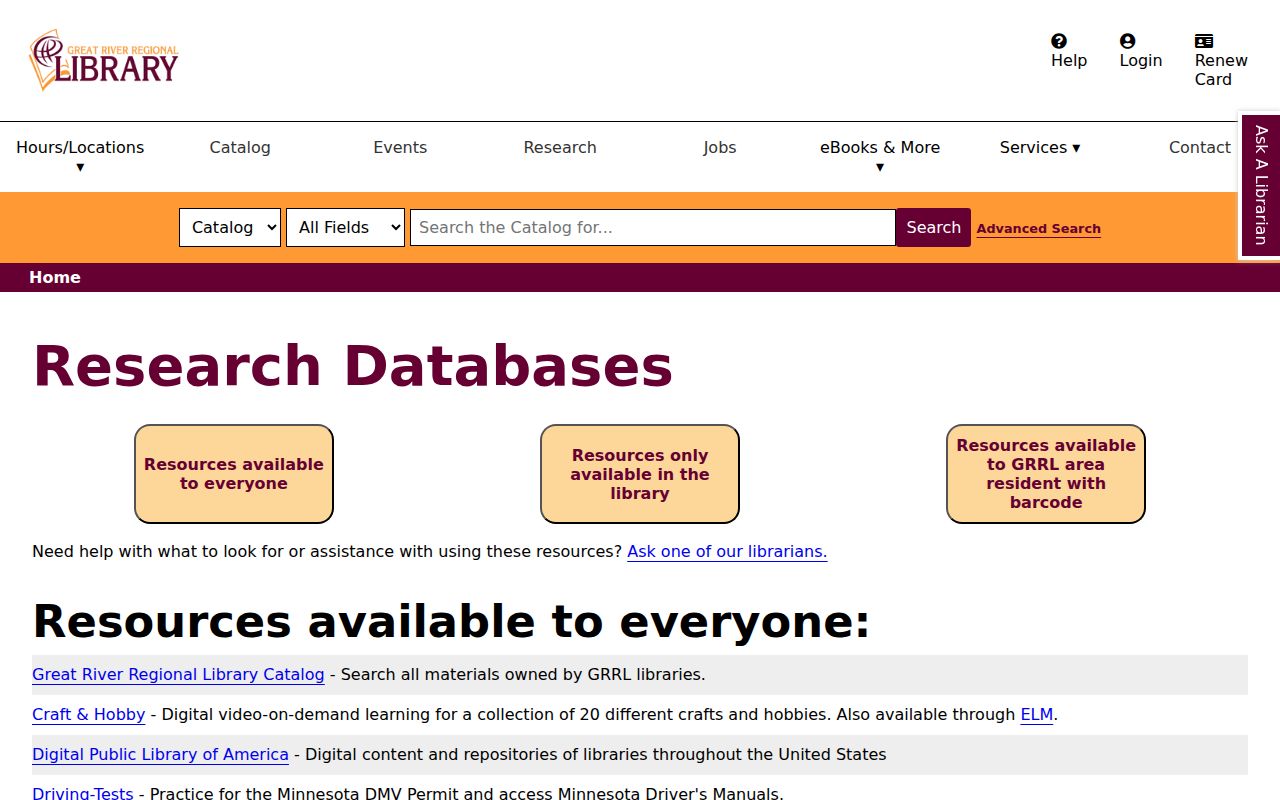
The Great River Regional Library research-database page identifies Minnesota Digital Library, the St. Cloud Times Index, and Ancestry for Libraries among its research options. The licensed database route is a library-access option, while the digitized Minnesota directory volumes are a free public route.
Library access is useful when an online run leaves a gap. Staff and branch routes can help identify a physical volume, microfilm, or a request path instead of treating the digitized years as the complete St. Cloud directory record.
For a paper-volume question, use St. Cloud Public Library or another GRRL branch, and ask about local-history materials, microfilm, or interlibrary loan. The research identifies no confirmed shelf call number or full reverse-directory sequence, so a request should name the year, surname, and address rather than presume a particular volume is on hand.
St. Cloud Directory Archive Routes
Several St. Cloud research channels complement the printed directory shelf. The city resource page points researchers to local history, Minnesota Digital Library or Minnesota Reflections, Central Minnesota Historical Collection, Stearns History Museum, and historic surveys. Those referrals matter when a directory supplies a street but a building, church, or family record is needed to explain it.
The Central Minnesota Historical Collection at St. Cloud State University Archives holds family materials, community and political papers, church registers and directories, WPA biographies of selected Stearns residents, and oral-history material. Its AtoM finding aids are the starting point. Most CMHC collections use an S-prefix, while General Oral Histories and Church Oral Histories are exceptions. The archives can be reached at 720 4th Avenue South, 320-308-0121, or archives@stcloudstate.edu.
Stearns History Museum is another local-history lead for house histories, historic structures, and Pantown research. A reported research-center inventory is useful background, but current access and fees should be confirmed with the museum. The museum route is especially valuable when a directory year points to an older neighborhood but no exact household entry is available online.
Note: A directory listing is an occupant clue, so land records and family sources remain necessary for ownership or relationship claims.
Reading a St. Cloud City Directory
A St. Cloud city directory entry is most useful when its parts are copied together. The scanned page may show a surname and first name, a spouse or household notation, occupation, employer or business, street and number, a widow notation, a renter or owner mark, and a pointer to a business or classified section. The precise symbols differ by volume. The inspected research did not expose a zoomed St. Cloud page with an exact abbreviation glyph, so the key printed in the specific volume should control the reading.
| Name form | Use the spelling, initials, and married or alternate form printed in that year. |
|---|---|
| Household note | Record a spouse reference, widow notation, or other family wording exactly as shown. |
| Work or business | Occupation and employer or business can separate same-name residents. |
| Street line | Copy the number and street, then check an old street name against maps and later records. |
| Status marks | Keep any owner, renter, boarding, or cross-reference notation, but read it through that volume’s key. |
- Criss-cross directory
- An address-first arrangement that can lead from a street number to an occupant. An exact St. Cloud year run was not confirmed, so ask a library before relying on one.
- Householder index
- An alphabetical arrangement focused on the person or household associated with a residence, rather than an ownership register.
- Abbreviation key
- The volume’s explanation of short forms and marks. Photograph or transcribe it before interpreting a compact entry.
St. Cloud Directory Geography
Old St. Cloud directory searches need the city’s earlier geography. Upper Town, also called Acadia, Middle Town or St. Cloud, and Lower Town or St. Cloud City were separate settlements before they united in 1856. Middle Town was platted in 1854. An older entry can therefore use a social or geographic layer that does not match a present-day neighborhood label.
Street names also changed. Historical sources call Washington Avenue South “5th Avenue South” and Richmond Avenue “6th Avenue North” in the 1869 context. Try both forms when a household seems to vanish from the St. Cloud city directories. The nearby-city coverage in several early volumes also means that Sauk Rapids and Waite Park should be considered before treating a move as a disappearance.
The county seat was selected in 1855, and St. Cloud became the unified city the next year. Various publishers began the documented directory era in 1888-89. These dates give a useful search timeline, but they do not establish a complete printed series or a publisher-by-publisher sequence beyond the verified volumes.
Tracing St. Cloud Directory Households
Directory years fill the spaces between federal censuses. Start with a name or address in a verified volume, then make a dated trail. A first appearance, departure, changed occupation, spouse change, widow notation, or new street can narrow the period for a move, death, or family change. The 1890 federal schedules were largely lost nationally, which makes the local St. Cloud directory and newspaper record especially useful around that decade.
- Find the surname and likely street in one scanned St. Cloud volume. Check initials, “St.” versus “Saint,” alternate spellings, and married-name forms.
- Copy the year, page, name form, work detail, street number, household note, and any mark or cross-reference.
- Search the nearest earlier and later directory years. Mark first and last appearances, but do not turn an absence into a conclusion.
- Pair a directory year before or after 1900, 1910, 1920, 1930, 1940, or 1950 with the federal census household for family composition, age, birthplace, and occupation.
- Use an obituary, newspaper article, probate record, or deed trail to test the reason for a move, death, or ownership change.
For an address-first starting point, ask the library about reverse or criss-cross material, then compare the date with the standard alphabetical entry. The exact St. Cloud reverse-directory coverage was not located in an official catalog. Modern parcel questions belong with the St. Cloud street directory tools, which use current property and map records rather than rebuilding the historical shelf.
St. Cloud Directory Newspaper Trail
The St. Cloud Times obituary index extends a household trail from September 27, 1887 through December 31, 2019. Its visible search fields are Publication Date Min, Publication Date Max, and Search For. Result rows can provide a name, publication date and page, spouse, and alternate name. That makes it a practical follow-up after a person disappears from a city directory or appears under an unfamiliar name form.
The index is not necessarily the full obituary. Great River Regional Library directs researchers to St. Cloud Public Library microfilm for the newspaper articles, with copy requests available through Ask a Librarian or a branch library. Older titles provide another route: the Minnesota Digital Newspaper Program lists St. Cloud Visiter, St. Cloud Democrat, St. Cloud Journal, and Der Nordstern across 1857 to 1928. Those papers can explain a move, death, business change, civic activity, or a missing year in a directory sequence.
Pantown in St. Cloud Directories
Pantown offers a specific geography check for a St. Cloud directory address. Samuel Pandolfo established the neighborhood in 1917 for the Pan Motor Company, and original homes were built from 1917 to 1919. The city identifies 48 buildings, including 26 single-family residences, within an irregular district bounded by 8th Street North, 33rd Avenue North, 9th Street North, and 29th Avenue North.
When a household appears in that area, pair the directory year with the city’s historic-district information, a Sanborn map, and the property record. The location supports a building-era question, not a claim about every resident. Southside and other designated districts, including Barden Park, Commercial, and Southeast, provide similar context when a printed street line needs a physical setting.
St. Cloud Directory Limits
City directories record who was listed at a time, not a deed result. An occupant may rent, board, move between print dates, be omitted, or use another name. An owner mark, where a volume uses one, still should be tested against the assessor and recorder record. Census and obituary material can strengthen a household identification, but neither makes a directory entry a title record.
Gaps need honest treatment. No official catalog confirmed every later printed year, the exact reverse-run coverage is unknown, and no official municipal cemetery search was located. Library staff, diocesan cemetery contacts, archival finding aids, newspaper microfilm, and recorded land instruments are the documented fallback channels when a St. Cloud city directory search ends without a clear answer.